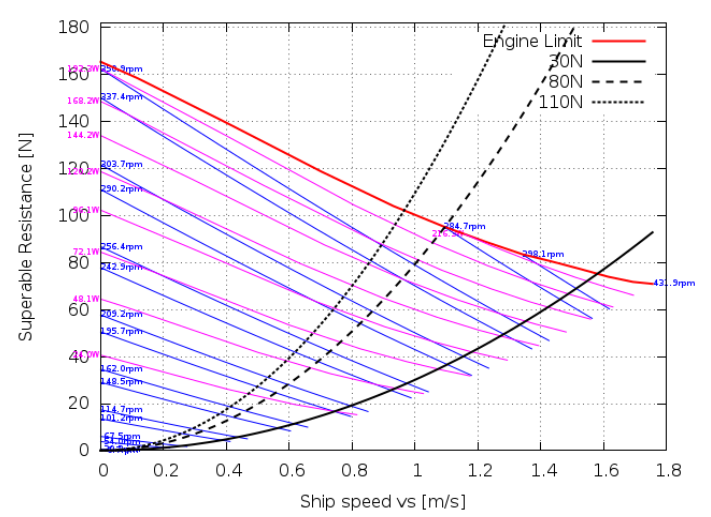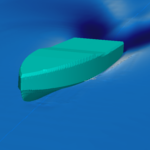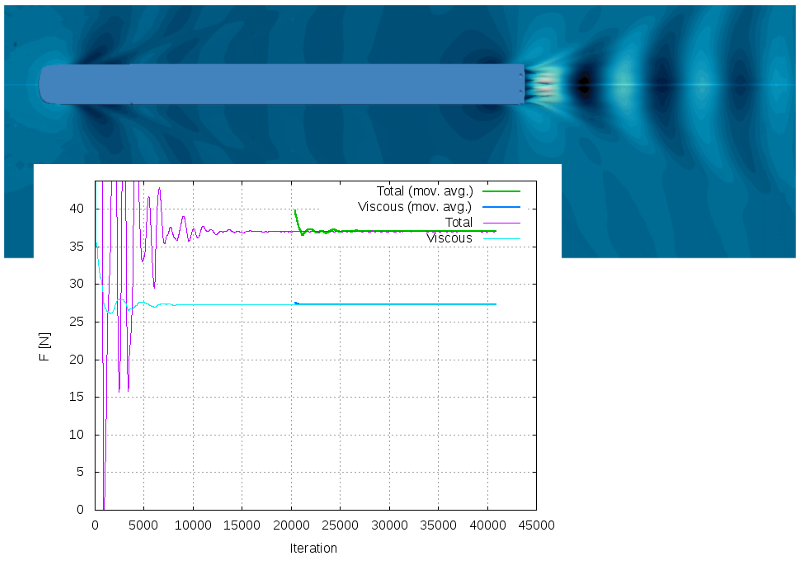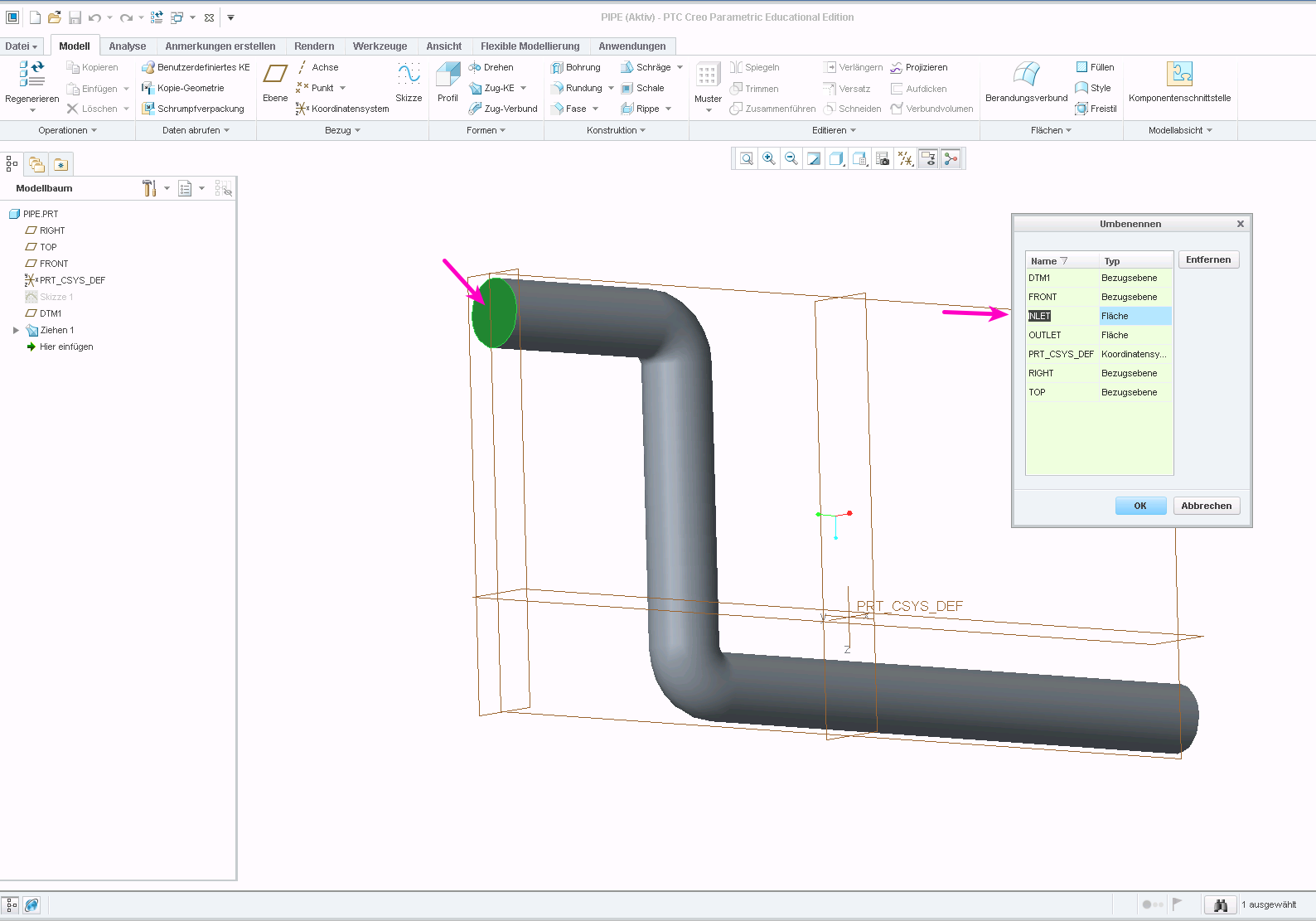
Traditional towing tests in physical model basins are costly and time-consuming. Our virtual towing tank based on InsightCAE and OpenFOAM enables precise ship resistance simulations – faster, more cost-effective, and fully reproducible. And the best part: you don't have to deal with the simulation software yourself – we can perform the simulations entirely on your behalf if desired.
What is a virtual wind tunnel?
A towing tank is traditionally a long water basin where a scaled ship model is physically pulled through the water to measure drag and propulsion forces. The virtual towing tank transfers this principle to computational fluid dynamics (CFD): the ship is calculated in a computer simulation at defined speeds – without complex model construction and without waiting times due to basin occupancy.
The basis of our simulations is OpenFOAM, the leading open-source CFD platform, combined with the InsightCAE framework, which makes the entire simulation workflow – from mesh generation to the solver to evaluation – automated and reproducible.
InsightCAE: Efficiency Through Automation
InsightCAE is an open-source tool for automating and managing OpenFOAM simulations. It standardizes mesh generation, boundary conditions, and evaluation, allowing for parameter studies with minimal manual effort. We pass the benefits of this powerful infrastructure directly to you – you receive professional CFD results without having to learn the software yourself.
Scope of services
- Resistance Calculation Friction and pressure resistance, wave pattern, and trim based on RANS equations.
- Parameter Studies Systematic comparison of hull variants, drafts, and speed ranges.
- Resistance curve: Calculation on the relevant Froude number range for design and operational optimization.
- Evaluation & Report: Structured result reports with pressure distributions, flow visualizations, and comparative key figures.
Advantages over the physical model experiment
Virtual towing tests reduce lead times from weeks to days. Geometric variations can be adjusted directly in the simulation without new model construction. At the same time, space costs for model basins as well as travel and logistics expenses are eliminated. The numerical method clearly has the advantage, especially in early design phases where many hull alternatives need to be evaluated.
Our simulations are guided by the recommendations of the ITTC (International Towing Tank Conference) for CFD validation and mesh convergence to provide reliable, engineering-usable results.
This is how an order works
- Pass Geometry – You provide us with the hull geometry of your ship, ideally as an IGES, STEP, or STL file. If no post-processing is necessary, we can even offer an additional discount.
- Define boundary conditions – We coordinate depth, speed range, and other operating parameters with you.
- Perform simulation – Our automated InsightCAE workflow calculates drag and optional parameter variations.
- Get results – You will receive a structured report with key figures, visualizations, and recommendations – analyzable without simulation knowledge and digitally integrable into subsequent analysis processes.
Costs and price list
We pass on the cost advantage of open-source infrastructure directly to you. All prices can be found in our price list.